Technical SEM: Targeting Users Through Google Ads, With A Twist
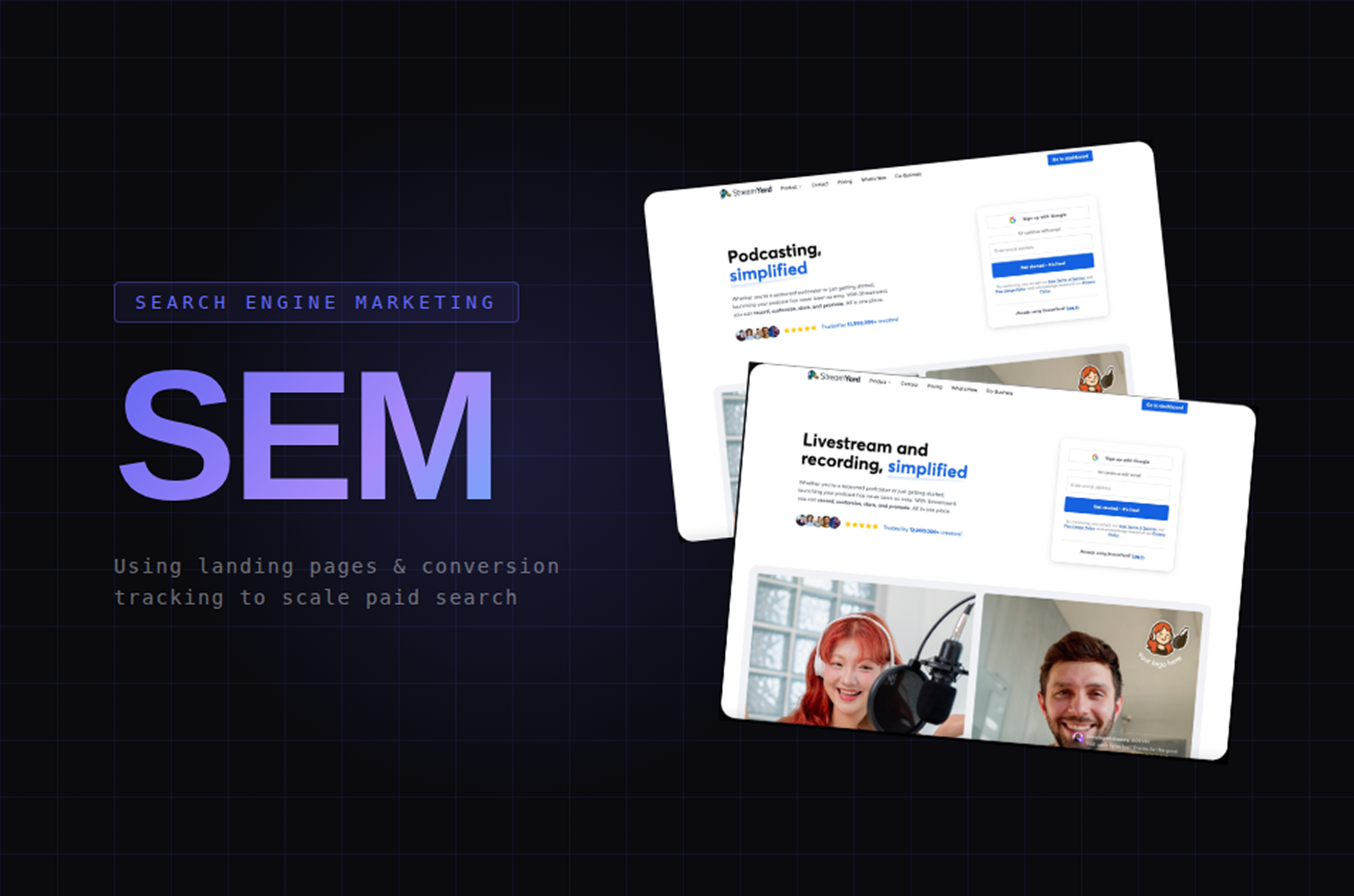
One thing I love from my current SWE job is that at Bending Spoons, SWEs have agency over a lot more than just code. We are also expected to be able to propose metrics, handle feature communications to users, come up with ideas for the product, and even help with notions like SEM (Search Engine Marketing) and SEO (Search Engine Optimization). While these would be traditionally aspects handled by digital marketing consultants, I have spent the last few months becoming the specialized person in this area, since the team had a need for this.
So for those with startups, or who just don’t want to hire a specific person for the task, this might be interesting - there are many ways in which you can, as a developer, leverage SEM and improve your user acquisition, with a very superficial knowledge of Google Ads and SEM, with far more success than a consultant if done properly.
What is SEM?
We’ve all heard of SEO, but what is SEM (Search Engine Marketing)? Think of it as the superset of SEO - while SEO focuses on optimizing your site’s visibility on the search engine, it does so through organic and unpaid traffic exclusively. Meanwhile, SEM also encompasses paid tactics, such as PPC campaigns (pay-per-click), mainly on providers like Google Ads.
Most importantly, the goal is not just to increase the overall traffic to your site, but to ensure this translates to user signups and, ideally, subscriptions. To do this, marketing comes into play - the more we can personalize a user’s first impression of the product to their needs and specific use-cases, the higher the chance they will come back. And what better aspect to leverage for this than the landing page itself.
Custom Landing Pages
As of recent, I worked on a couple of these. If your codebase is structured correctly, it should be quite simple to generate new, custom landing pages for different use cases, especially agentically. All you likely need to do is change the copies of the text, the images, and perhaps slightly the layout.
My examples, for podcasting and live streaming:
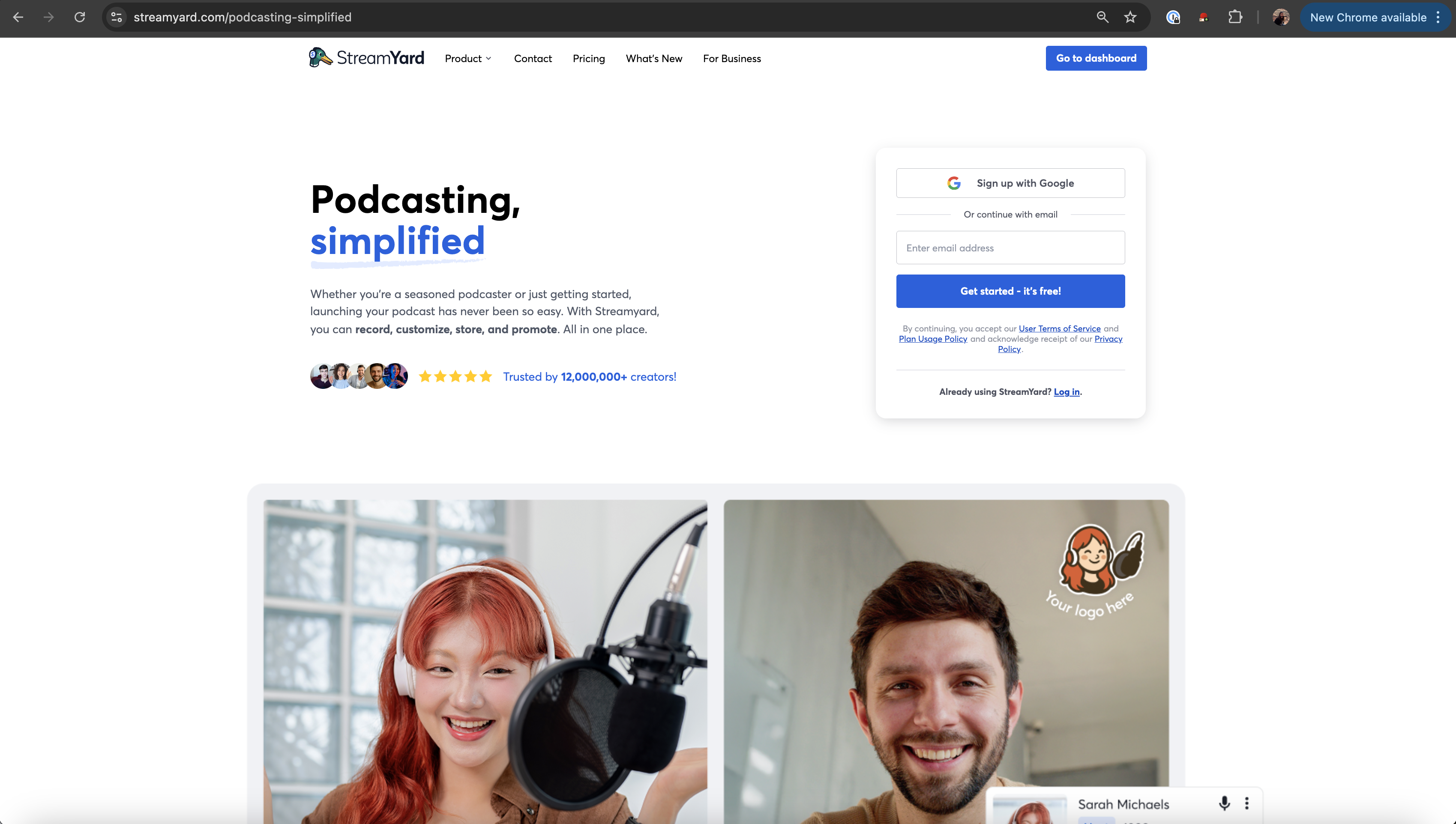
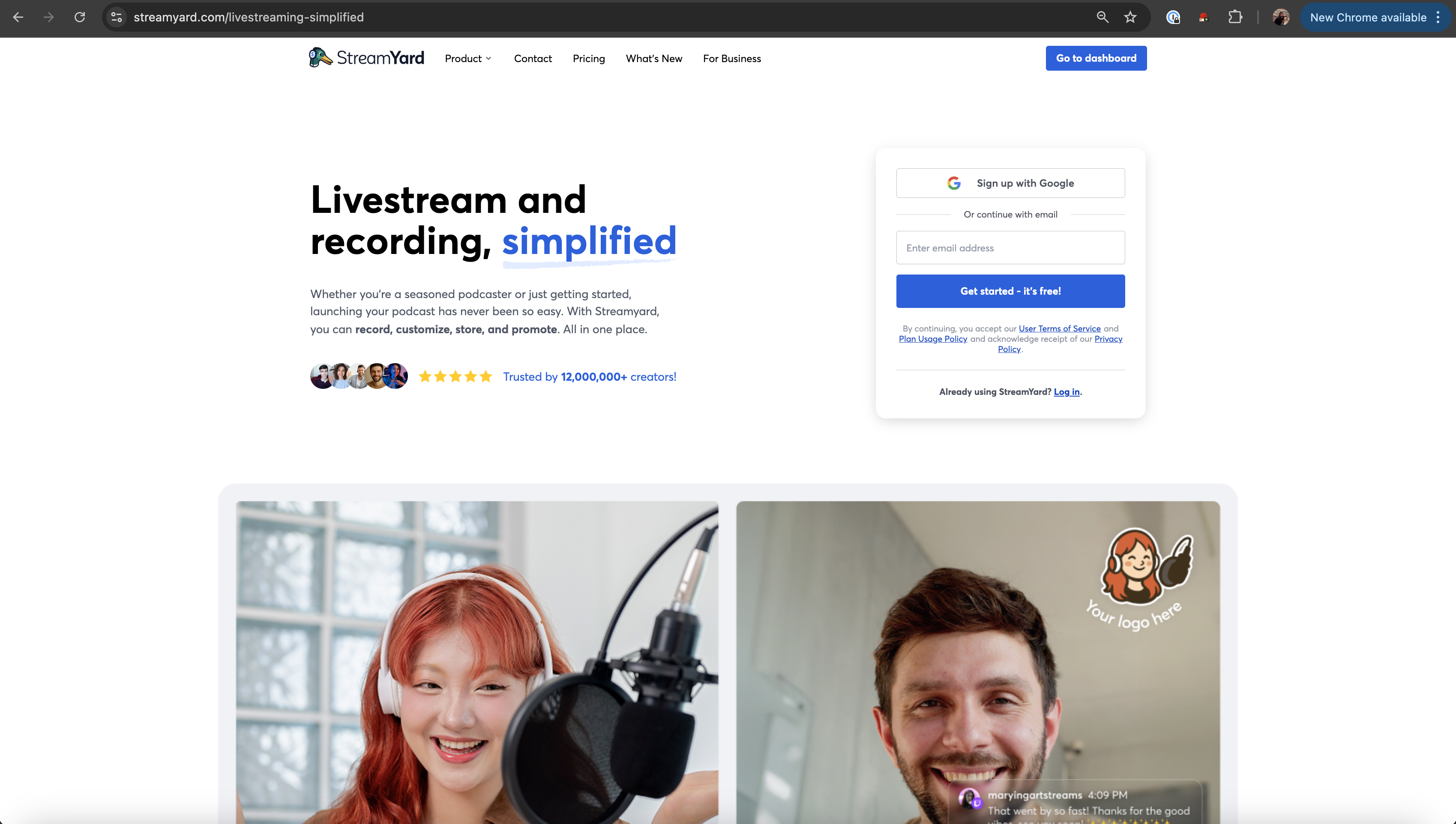
For example, say our target demographic is younger people, and let’s use StreamYard as an example. We may invest in creating a custom landing page for gaming, with a more modern UI than our usual landing page, with more striking colors, shorter text, and making it more interactive. This would likely prove to be more successful in attracting our target audience’s attention than our default experience.
And if instead we want to grow the demographic of users seeking simplicity and a user-based solution to multi-platform streaming, we may instead create a simple lading page, with clear CTAs and a more neutral color palette.
Google Ads allows you to run ads based on a number of things - device (mobile or desktop), country, etc. And of course, depending on when you decide to bid on the keywords, you get to decide the date. So you can leverage custom landing pages for a number of examples:
- Use case. For example, podcasting, gaming, simplicity and web-based, etc.
- Create mobile specific ones. Since portrait streamers tend to use different platforms, such as Instagram and TikTok, than desktop users, one could add an emphasis to these.
- Country. This is particularly useful if you investigate where competitors are betting on your brand or keywords more aggressively, so you can match them, or which countries you are yet to penetrate to globalize your product.
- Events or Holidays. For example, every year you could run a Google Ad campaign for Black Friday, Cyber Monday, Halloween, Christmas, etc, perhaps even including discounts. Or if you expect a sudden need for your product, say the World Cup Final is being played tomorrow and I expect a large influx of users, I could run a Google Ad Campaign specific to this event, with the respective landing page.
Connecting the Custom Landing Pages to the Google Ad Campaign
Now, how does one actually connect these custom landing pages to our Google Ads campaigns? The answer is simpler than you might think, and it’s one of those areas where being a developer gives you a significant advantage over traditional marketing consultants.
Here we can leverage A/B testing infra in a creative way. The key is to create a flexible redirect system that doesn’t require code deployments every time you want to test a new landing page.
1
2
3
4
5
6
7
8
9
10
11
<Route
    path="/custom1"
    render={({ location }) => (
        <SEOSafeRedirect
            to={buildDestinationURLWithParams(
                featureFlag.custom1,
                location,
            )}
        />
    )}
/>
By creating /custom1, /custom2, /custom3, etc as above, we have created configurable redirects. Each route reads a feature flag to determine where it should redirect users, and importantly, it preserves all the tracking parameters from the original ad click to measure campaign impact.
This means I can change which landing page a campaign points to simply by updating a feature flag - no code changes, no deployments, no waiting for engineering cycles.
For example, if I want to test whether our podcasting landing page performs better than our live streaming one for a specific keyword, I just set custom1 to /podcasting-simplified, create my Google Ads campaign pointing to streamyard.com/custom1, and bid on the keyword. If I want to try a different landing page next week, I just update the feature flag. The redirect happens seamlessly, and all the tracking data is preserved in the query string.
This approach is invaluable for rapid experimentation - I can test multiple landing pages across different campaigns simultaneously, and the marketing team can iterate without bothering the engineering team every time they want to try something new.
Tracking the Impact: Google Tag Manager, GCLID and UTM Parameters
Of course, we need to somehow track metrics to check whether the campaign is being successful. Specifically, we want to know which campaigns are driving actual signups versus just clicks.
When someone clicks on a Google Ad, Google automatically appends a parameter called gclid (Google Click ID) to the URL. This is a unique identifier for that specific click, and it’s how Google tracks conversions back to the original ad.
But we also want to track our own custom parameters - things like which campaign, which ad group, which keyword triggered the click. These are called UTM parameters, and they’re just additional URL parameters that we can define ourselves. The trick is making sure all these parameters stick around throughout the user’s journey, even if they navigate to different pages or close their browser and come back later.
We used the following function above for this:
1
2
3
4
5
6
7
8
9
10
11
12
13
// Preserve UTM parameters
const buildDestinationURLWithParams = (
	destinationPath: string,
	currentLocation: { search: string },
): string => {
	const { origin } = window.location;
	const finalUrl = new URL(destinationPath, origin);
	const queryParams = new URLSearchParams(currentLocation.search);
	queryParams.forEach((val, param) =>
		finalUrl.searchParams.set(param, val),
	);
	return finalUrl.pathname + finalUrl.search;
};
We can solve this with a dual-storage approach. When a user first lands on the site from an ad, you extract all the tracking parameters from the URL and store them in two places: session storage (which lasts for the current browsing session) and local storage (which persists even after the browser closes). This way, if someone clicks our ad, browses around, closes their browser, and comes back a week later to sign up, we still know which campaign brought them in.
When they finally convert - whether that’s signing up for an account or subscribing to a plan - we push all this tracking data to Google Tag Manager, via the data layer. This contains data like the user ID, the signup method (email versus Google OAuth), and all the tracking parameters we’ve been preserving. GTM then takes this data and forwards it to whatever you configured - typically, Google Ads for conversion tracking, Google Analytics for funnel analysis, and your internal analytics system.
This means when we look at our Google Ads dashboard and see “Campaign X drove 50 conversions,” we know those are actual signups, not just clicks or page views.
Conclusion
This gives us a complete picture: not just how many people clicked our ads, but which specific campaigns, keywords, and landing pages drove actual conversions. And that’s the data that lets us optimize our ad spend, decide which keywords are worth bidding on, and focus on what actually works.